Video editing has become an important part of content creation, marketing, entertainment, and business communication. From YouTube videos and social media campaigns to documentaries and corporate presentations, creators rely on editing software to turn raw footage into polished visual stories.
However, choosing the right video editing tool is not always straightforward. Some applications focus on professional post-production, while others prioritize ease of use, AI-assisted editing, or quick content creation. The right choice depends on the type of videos you produce, your editing experience, and how much control you need over the final output.
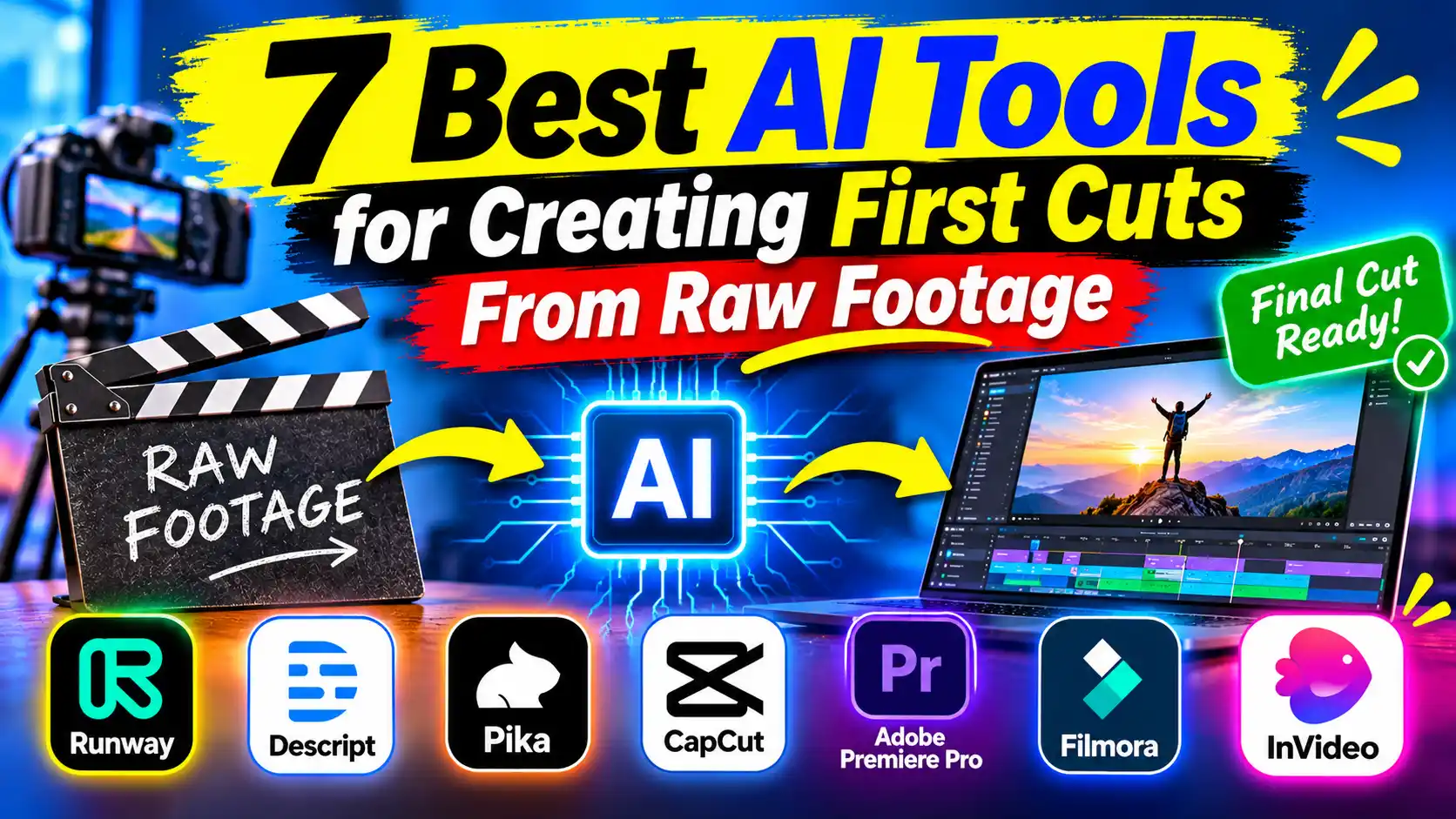
AI has also introduced new possibilities for video editing. Modern platforms can help identify useful footage, remove unnecessary sections, generate captions, and automate parts of the editing process. Some even allow AI agents to carry out multiple editing tasks directly on a timeline.
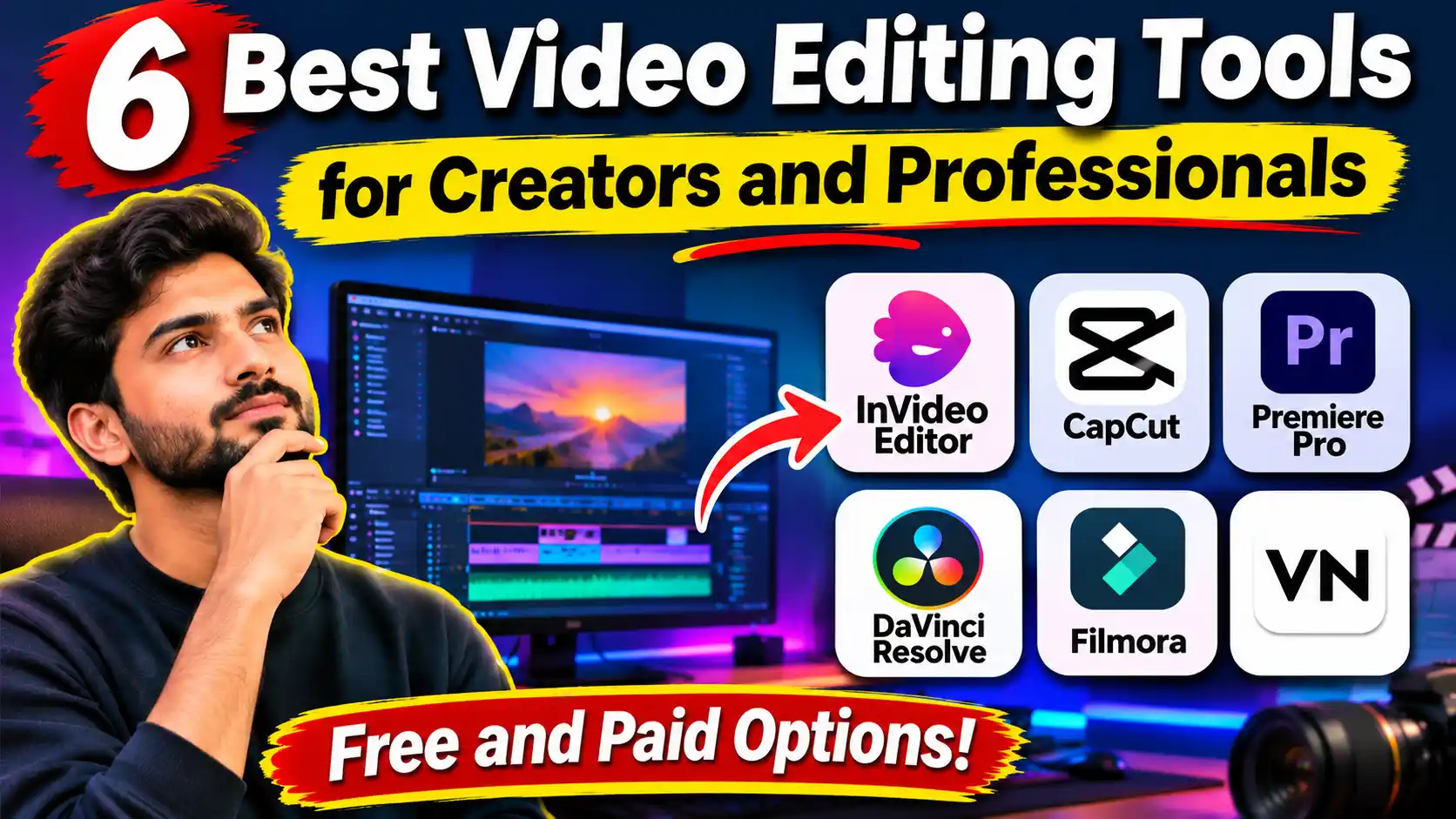
To help you compare your options, here are six video editing tools worth considering in 2026, including their main capabilities and the types of projects they support.
How We Selected These Video Editing Tools
We considered editing capabilities, timeline controls, AI features, ease of use, supported platforms, and suitability for different production requirements. The selection includes browser-based and desktop applications, covering both professional editors and creators who need a more accessible editing environment.
Each tool has a different strength, so the list is not intended to suggest that one application is suitable for every type of video project.
1. Invideo Editor: Best for AI-Assisted Editing and Creative Control
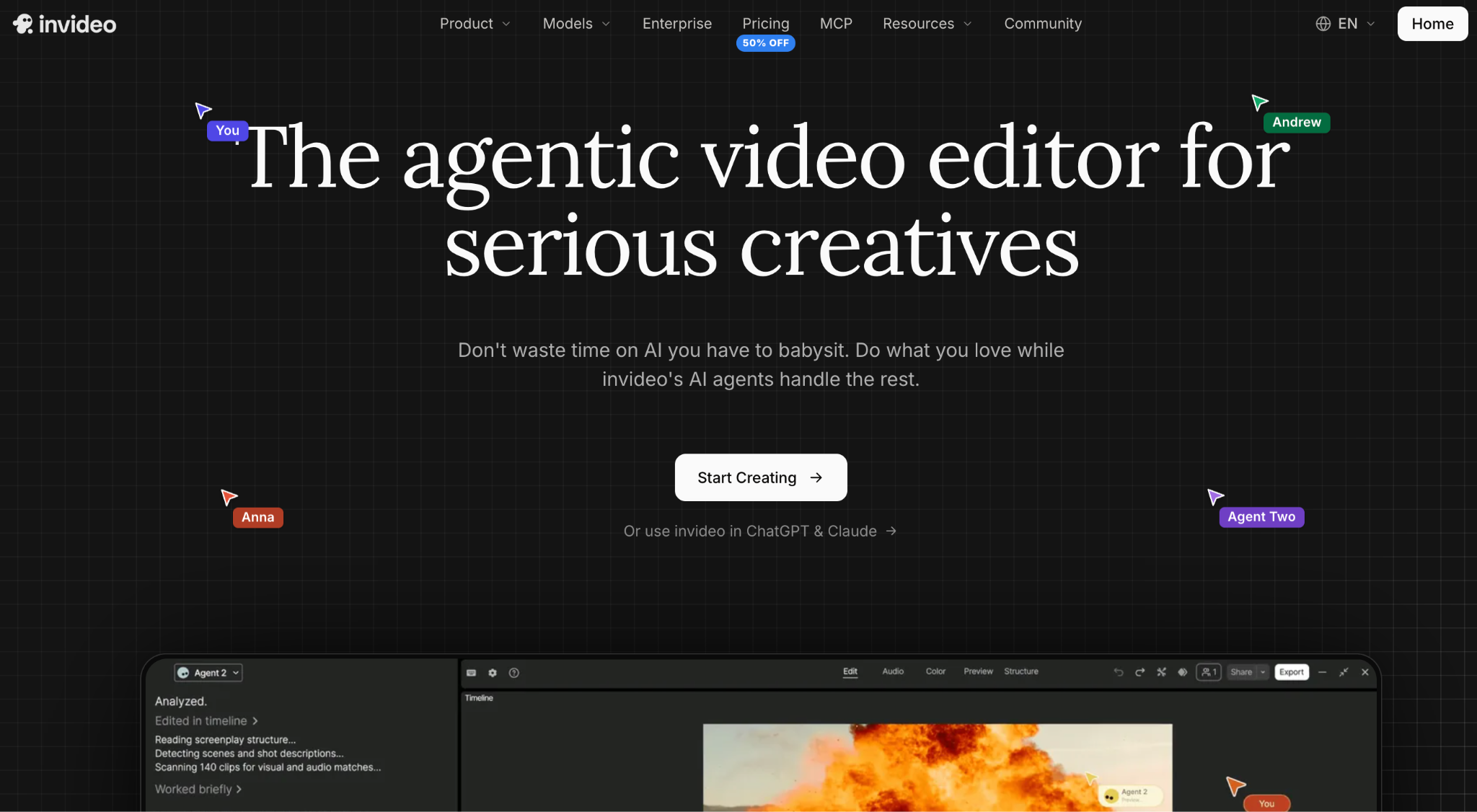
Invideo editor combines a professional video editing environment with AI agents that can perform actual editing tasks based on plain-language instructions. Instead of manually reviewing every recording, creators can upload raw footage and ask an agent to identify useful moments, select clean takes, remove unnecessary pauses, and assemble an editable first cut. Its footage understanding capabilities also let users search for specific people, actions, objects, scenes, and camera angles by describing what they need. Beyond AI assistance, invideo editor provides a multitrack timeline with manual editing controls, keyframes, transitions, motion graphics, color grading, and audio mixing. It also supports multicamera editing, collaborative projects, and access to more than 200 video, image, and audio models within the editing environment. This combination makes it useful for YouTube creators, filmmakers, marketing teams, and editors who want automation to handle repetitive work while retaining control over the final sequence.
2. Adobe Premiere Pro: Best for Professional Video Production
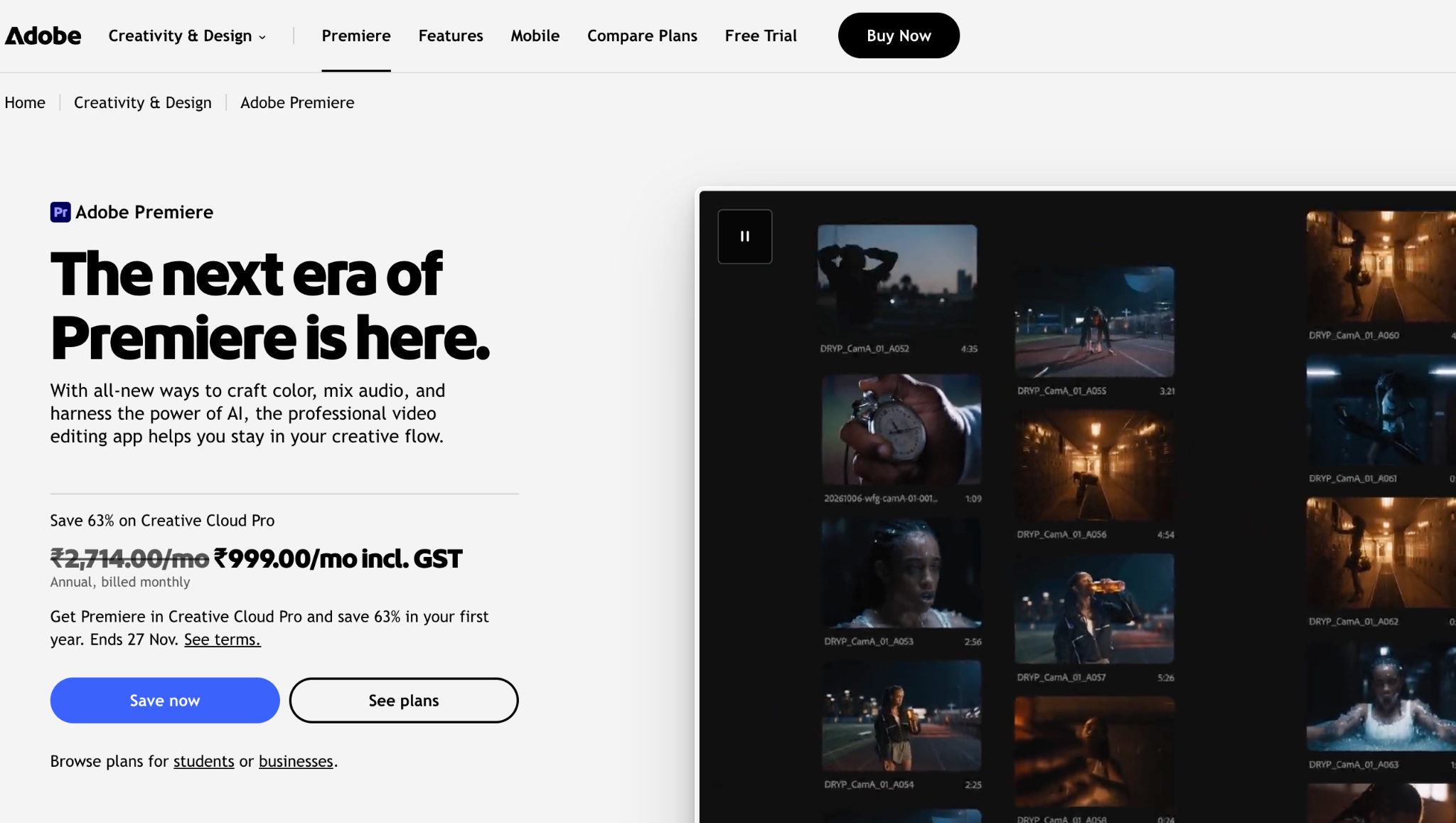
Adobe Premiere Pro is a professional video editing application widely used in filmmaking, advertising, television, and online content production. It offers a flexible multitrack timeline where editors can arrange footage, audio, graphics, and effects with precise control over individual clips. Its editing capabilities include trimming, transitions, color adjustments, audio mixing, and integration with other Adobe Creative Cloud applications. Premiere Pro also includes AI-assisted features such as speech-to-text, text-based editing, automatic reframing, and Generative Extend, which helps extend the duration of certain shots. Its connection with applications such as After Effects and Photoshop makes it particularly useful for projects involving motion graphics and detailed visual work. Although its extensive interface can take time to learn, it remains a strong choice for editors who need a customizable professional editing environment.
3. DaVinci Resolve: Best for Color Grading and Post-Production
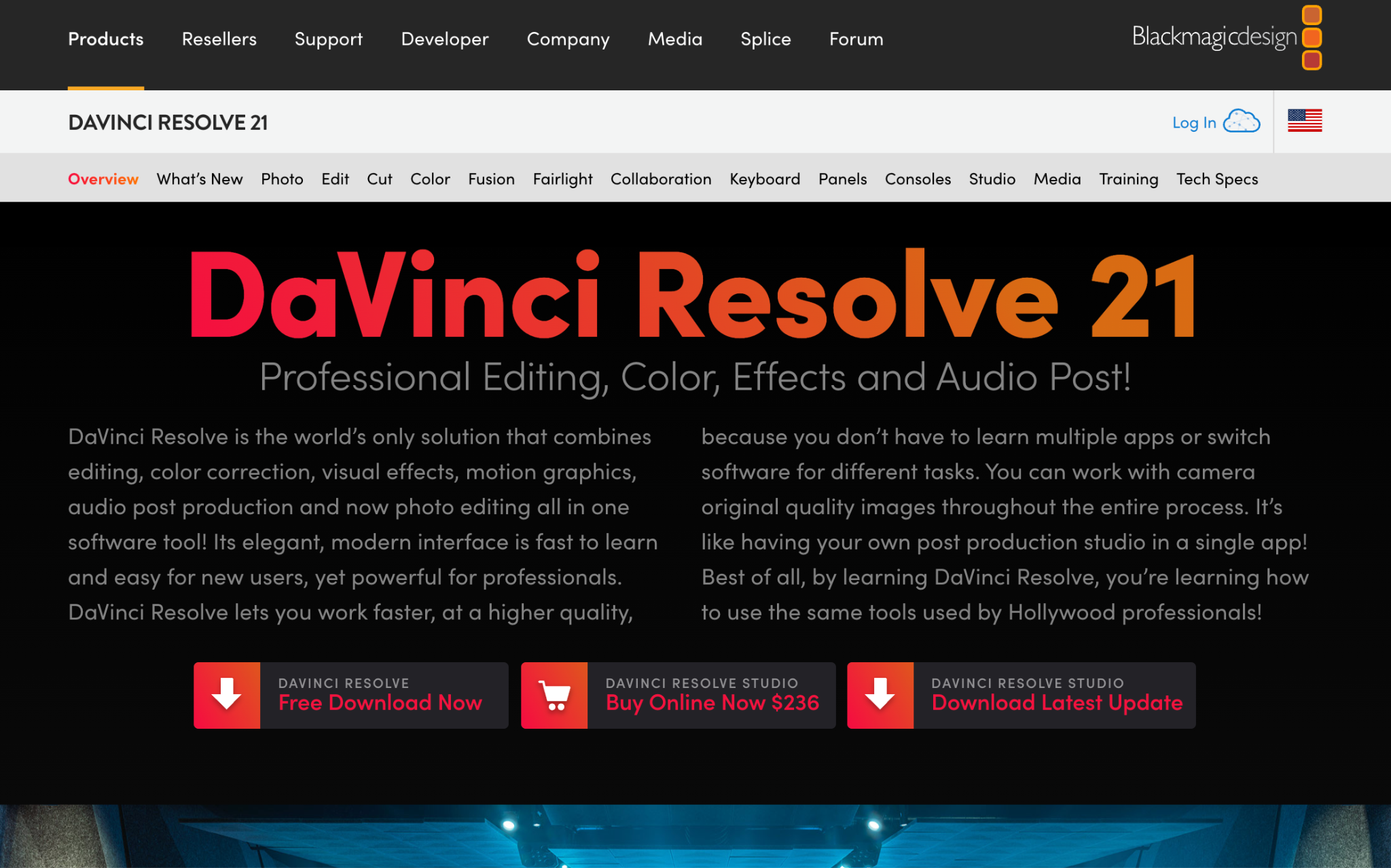
DaVinci Resolve, developed by Blackmagic Design, combines video editing, color correction, visual effects, motion graphics, and audio post-production in one application. Its editing workspace provides a multitrack timeline for arranging footage, audio, and graphics, while its dedicated Color page offers detailed grading controls for exposure, contrast, saturation, and individual color ranges. The Fusion workspace supports visual effects and compositing, while Fairlight provides professional audio editing and mixing tools. DaVinci Resolve also offers AI-assisted features through its Neural Engine, with some advanced capabilities reserved for the Studio edition. Its free version provides extensive editing and color grading functionality, making it attractive to independent filmmakers and creators who need professional post-production tools. However, its broad feature set can require a learning investment, especially for beginners.
4. Final Cut Pro: Best for Mac Users
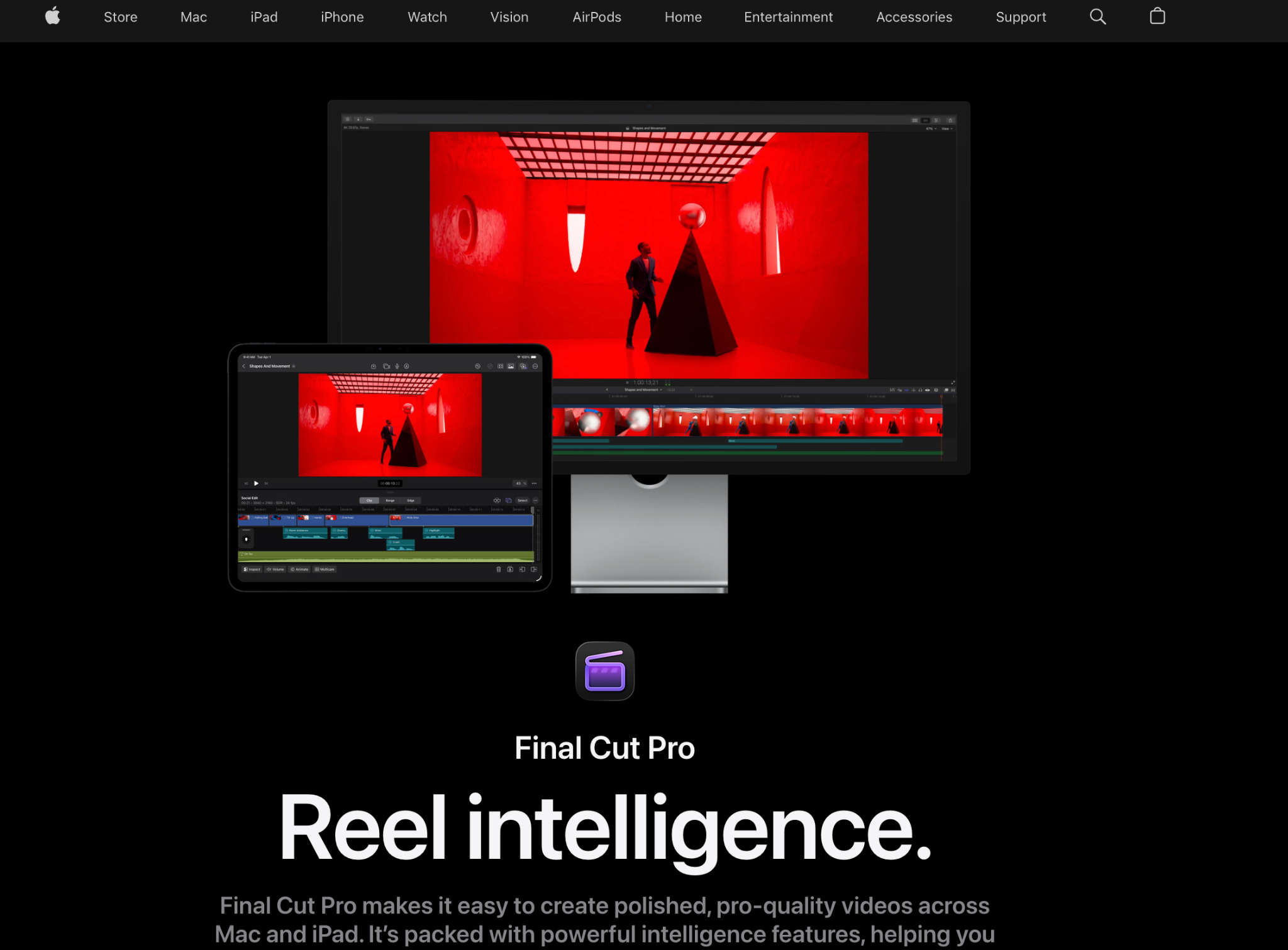
Final Cut Pro is Apple's professional video editing software designed for its Mac ecosystem. Its main feature is the Magnetic Timeline, which allows clips to be arranged in a connected structure rather than relying entirely on conventional fixed tracks. When editors move or trim clips in the primary storyline, connected elements can move with them, helping maintain relationships between footage, dialogue, music, and other media. Final Cut Pro also supports multicamera editing, color correction, effects, titles, and audio adjustments. Features such as Magnetic Mask and Smart Conform help with subject isolation and adapting videos to different aspect ratios. Its performance and integration with Apple hardware make it suitable for filmmakers, YouTube creators, and professional editors who prefer working on a Mac. However, it is not a native Windows editing application.
5. CapCut: Best for Social Media Video Editing
CapCut is a video editing application designed for accessible content creation across desktop, mobile, and web platforms. Its editing environment includes timeline-based clip arrangement, transitions, text overlays, automatic captions, music, and visual effects. AI-assisted features can help with tasks such as background removal, caption generation, and audio editing, depending on the version and platform. CapCut is particularly useful for creators producing Instagram Reels, TikTok videos, YouTube Shorts, and other short-form content. Its templates and straightforward editing controls help users create videos without learning a complex professional editing interface. Although it provides useful creative features, its primary focus is accessible social media production rather than advanced cinematic post-production. Feature availability and usage limits can also vary across regions and subscription plans.
6. Wondershare Filmora: Best for Beginners and Intermediate Creators
Wondershare Filmora offers an approachable video editing environment with a collection of creative and AI-assisted features. Its timeline allows users to arrange multiple video and audio clips, add transitions, insert titles, and apply visual effects. Filmora also includes tools for color adjustment, keyframe animation, screen recording, and audio refinement. Its AI capabilities can assist with tasks such as media analysis, transcription, and editing preparation, depending on the software version and plan. These features make it suitable for YouTube videos, tutorials, product demonstrations, vlogs, and promotional content. Filmora provides a useful balance between ease of use and creative flexibility, particularly for people moving beyond basic editing applications. However, editors working on complex professional productions may require more advanced controls than its interface provides.
Quick Comparison: Which Video Editing Tool Should You Choose?
|
Tool |
Main strength |
Ideal users |
|
Invideo Editor |
AI agents and professional timeline |
AI-assisted filmmaking and editors |
|
Adobe Premiere Pro |
Advanced editing controls |
Professional editors |
|
DaVinci Resolve |
Color grading and post-production |
Filmmakers and colorists |
|
Final Cut Pro |
Magnetic Timeline |
Mac users |
|
CapCut |
Short-form video editing |
Social media creators |
|
Filmora |
Accessible editing and creative effects |
Beginners and intermediate editors |
How to Choose the Right Video Editing Tool
Choosing the right editing software depends on your projects, experience, and preferred working style. If you regularly work with long recordings and multiple camera angles, look for tools that offer footage organization, multicamera support, and flexible timeline controls.
If your projects involve detailed color correction, visual effects, and audio mixing, professional applications such as DaVinci Resolve and Premiere Pro offer extensive post-production capabilities. For everyday social media content, CapCut and Filmora provide more accessible editing environments.
Creators who want to combine AI automation with hands-on editing can consider invideo editor. Its agents can take care of repetitive operations such as footage review, take selection, and initial assembly, while the editable timeline allows creators to make their own creative decisions.
Final Thoughts
Video editing software continues to evolve, offering creators more ways to organize footage, refine sequences, and produce content efficiently. While traditional editing applications remain important for professional production, AI-assisted tools are introducing new ways to manage repetitive editing tasks.
Each platform in this list serves a different purpose. Premiere Pro and DaVinci Resolve offer extensive professional controls, Final Cut Pro provides a distinctive editing experience for Mac users, and CapCut and Filmora make everyday content creation more accessible.
Invideo editor stands out for bringing AI editing agents and professional timeline controls together. It gives creators the option to delegate parts of the editing process while retaining control over the final video.
Ultimately, the best video editing tool is the one that fits your production requirements and helps you create the content you want without adding unnecessary complexity.
Frequently Asked Questions
1. What is the best video editing tool in 2026?
The best tool depends on your requirements. Invideo editor is worth considering for AI-assisted editing, Premiere Pro for professional timeline editing, DaVinci Resolve for color grading, and CapCut for short-form content.
2. Which video editing software is best for beginners?
CapCut and Filmora are approachable options for beginners. They provide accessible interfaces and useful features for trimming footage, adding captions, applying transitions, and creating social media videos.
3. Which video editor offers AI-powered editing?
Invideo editor offers AI agents that can review footage, identify useful moments, assemble initial cuts, and make requested changes directly on an editable timeline. Other applications, including Premiere Pro and Filmora, also provide AI-assisted features for specific editing tasks.
4. Which video editing tool is best for professional projects?
Adobe Premiere Pro and DaVinci Resolve are established options for professional video production. Both provide extensive timeline controls, while DaVinci Resolve is particularly known for its color grading and post-production capabilities.
5. Are there browser-based video editing tools?
Yes. Invideo editor is a browser-based professional editing platform that combines AI assistance with a multitrack timeline. CapCut and other platforms also provide browser-based editing options.
6. What is the difference between traditional and AI-assisted video editing?
Traditional editing requires users to perform most operations manually, including reviewing footage, selecting clips, and arranging sequences. AI-assisted editing can automate parts of these tasks, allowing creators to focus more on storytelling and creative refinement.