Turning raw footage into a complete first cut is one of the most time-consuming parts of video production. Before an editor can focus on storytelling, pacing, color, or sound, they need to review recordings, compare different takes, remove unusable sections, and arrange the selected clips into a coherent sequence.
This process becomes even more demanding when working with interviews, documentaries, multicamera recordings, or long-form video projects. A single shoot may contain hours of footage, repeated lines, false starts, and multiple versions of the same scene.
AI is changing how editors approach this initial stage of post-production. Modern tools can transcribe recordings, identify useful moments, remove unnecessary pauses, compare takes, and help assemble an initial timeline. Some platforms also allow users to give editing instructions in plain language and let AI agents carry out several operations.
These tools do not all approach first-cut creation in the same way. Some focus on transcript-based editing, while others use footage analysis, automatic scene detection, or agent-driven assembly.
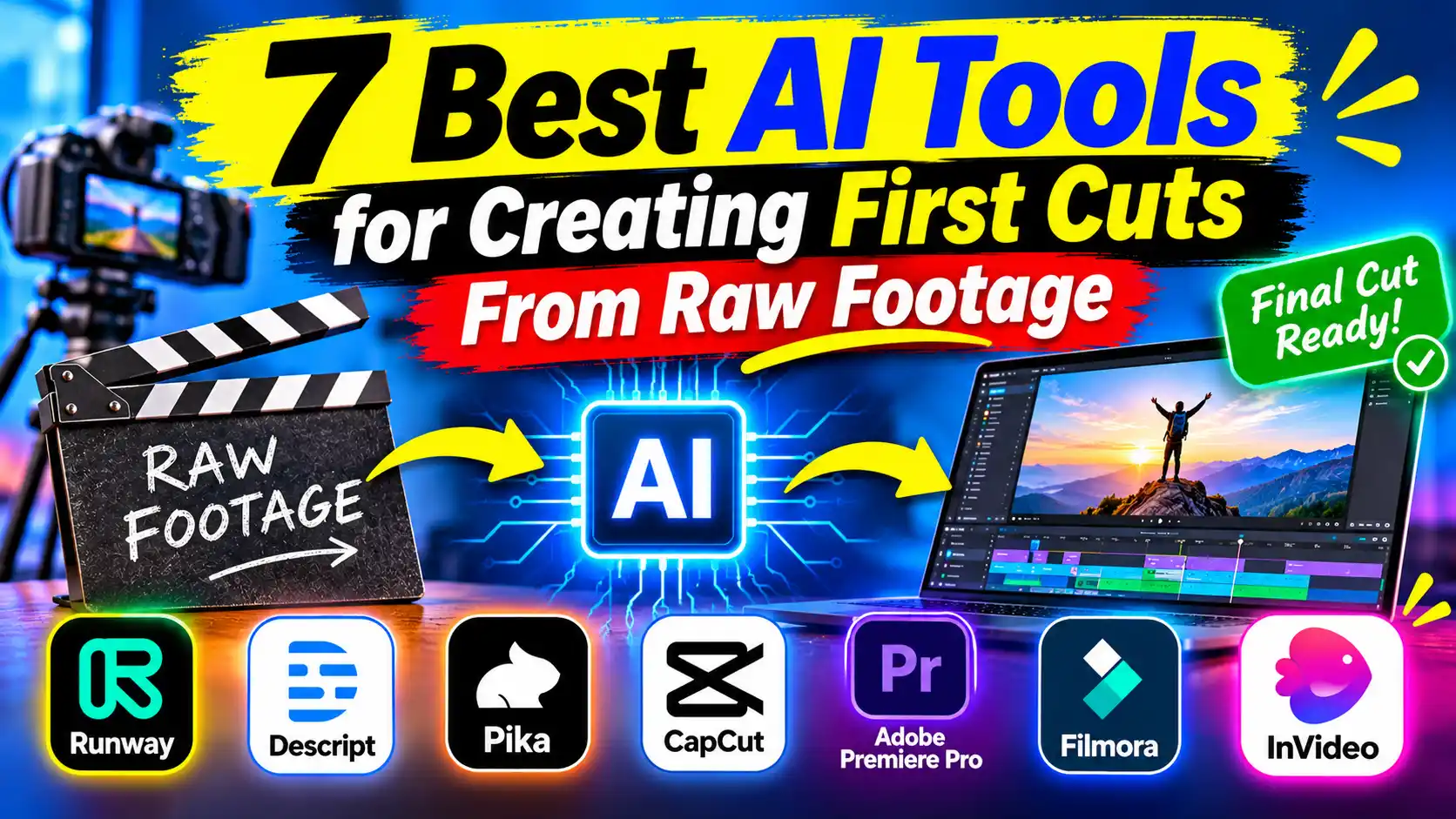
Here are seven AI tools that can help editors create first cuts from raw footage and spend more time refining the story.
What to Look for in an AI First-Cut Editing Tool
A useful first-cut editing tool should do more than automatically shorten a recording. It should help editors identify usable material, understand the context of different shots, and arrange footage into a sequence that can be refined.
Look for capabilities such as automatic transcription, take selection, silence and filler removal, multicamera synchronization, scene detection, and editable timeline assembly. The ability to provide creative direction is also valuable because different projects require different approaches to pacing and storytelling.
Most importantly, check whether the tool produces an editable first cut or simply exports a finished video. For professional editing, being able to inspect and change individual cuts is important.
1. Invideo Editor: Best for AI-Assisted Rough Cut Editing
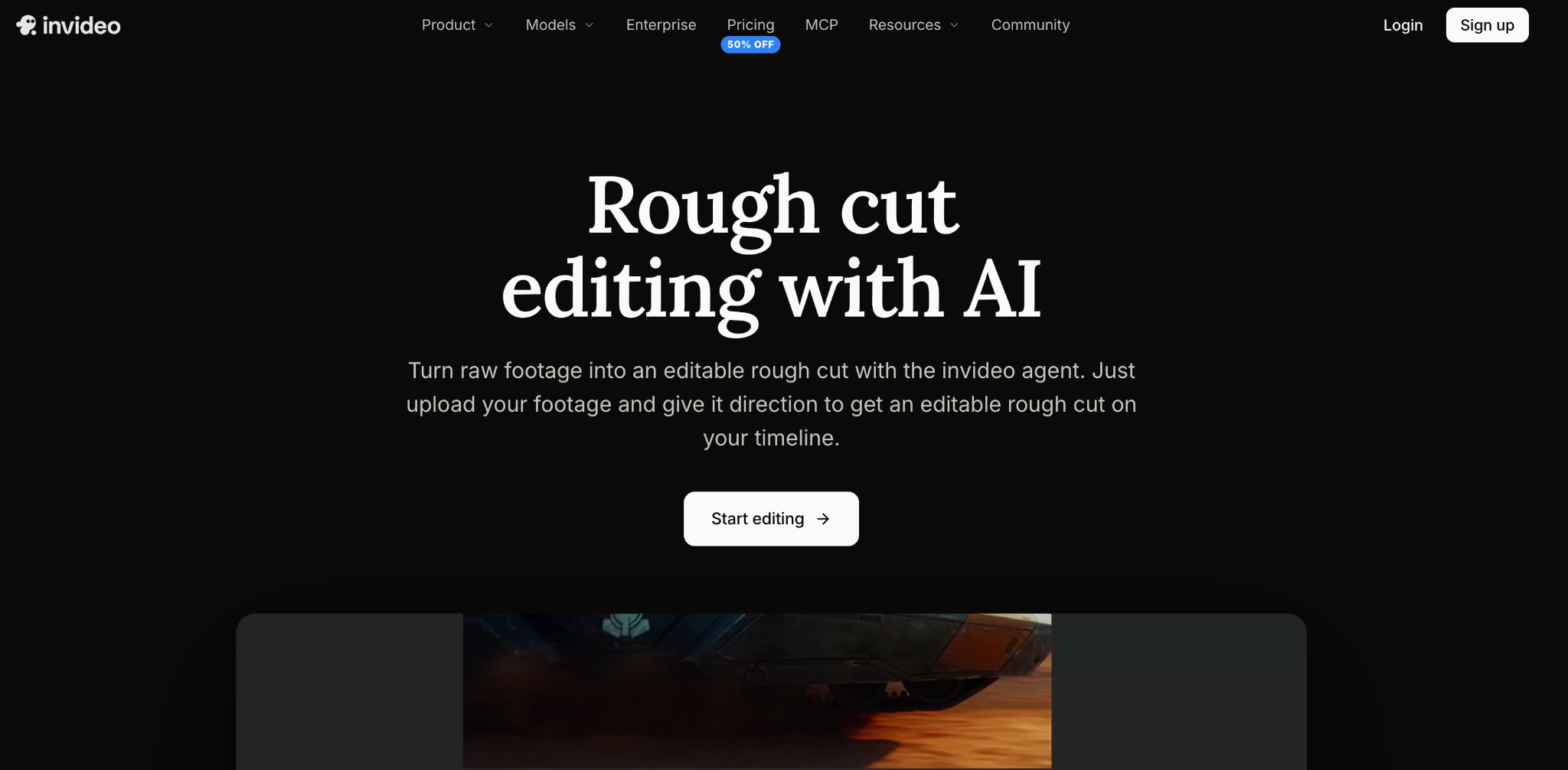
Invideo editor simplifies rough cut editing by using AI agents to review raw footage, identify usable takes, remove false starts and unnecessary pauses, and assemble an initial sequence directly on an editable timeline. Creators can provide instructions based on their script, story, shooting order, or music, while the agent handles the initial assembly. It also supports multicamera synchronization, footage search, sequence restructuring, and creating highlights or shorter versions. Editors can review every change and continue refining clips manually, making it useful for projects that require both automation and creative control.
2. Adobe Premiere Pro: Best for Transcript-Based Rough Cuts
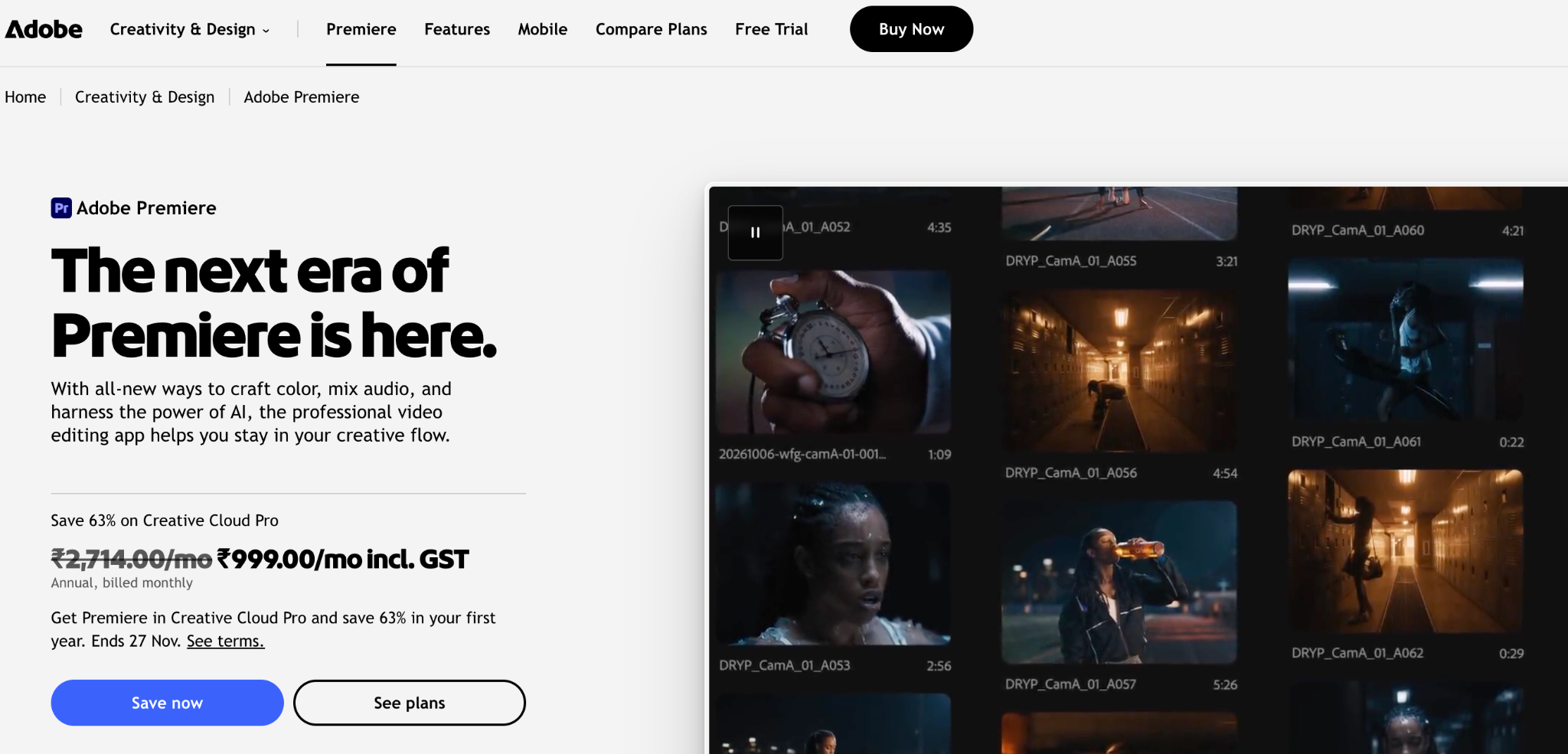
Adobe Premiere Pro offers Text-Based Editing, which automatically transcribes recordings and allows editors to create sequences by selecting, deleting, or rearranging sections of dialogue. It also supports filler-word removal, multicamera editing, and traditional timeline controls. These features make it useful for organizing interviews, presentations, and dialogue-heavy recordings before detailed editing begins.
3. Descript: Best for Editing Dialogue Through Transcripts
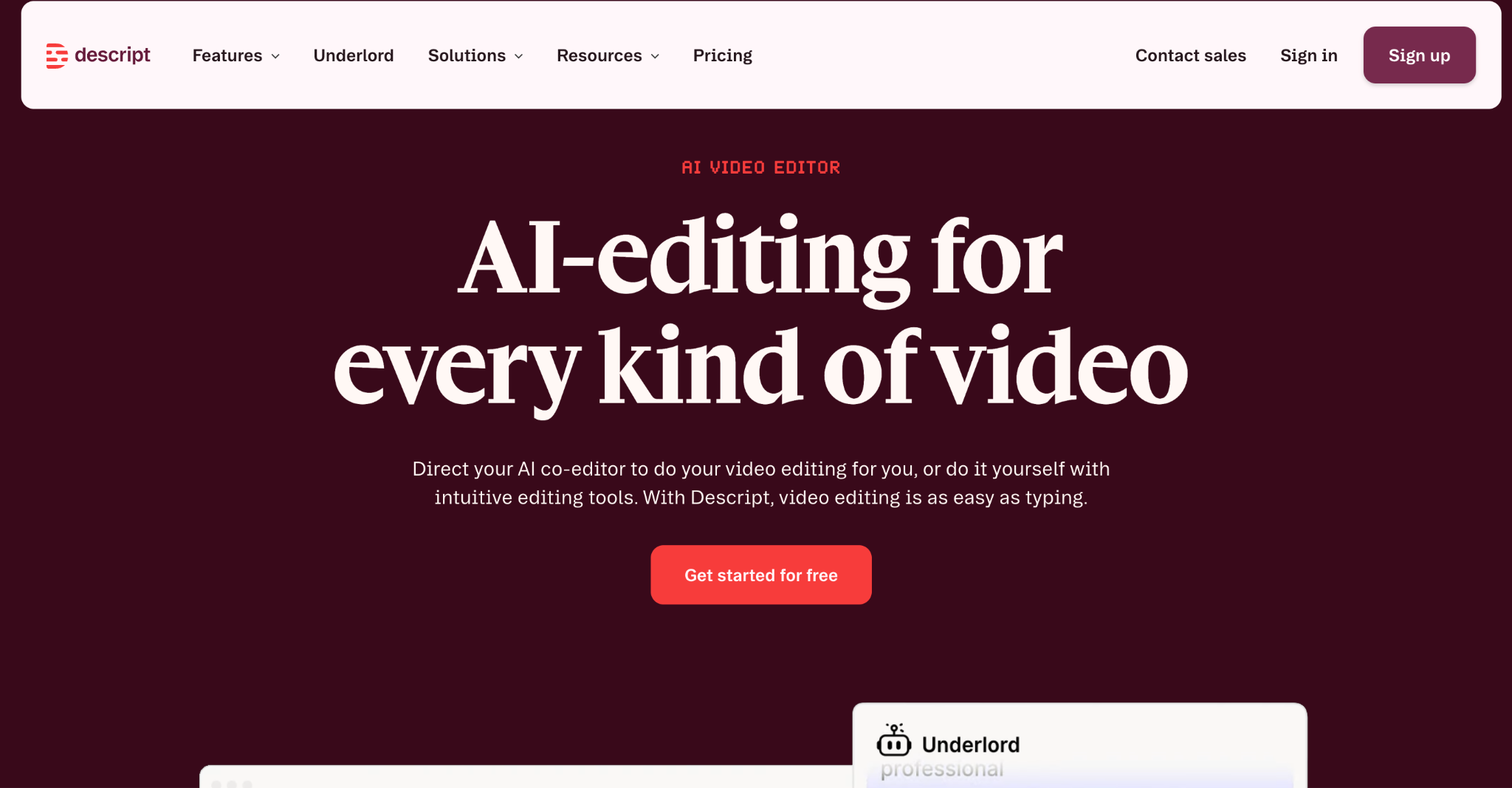
Descript converts spoken content into editable transcripts, allowing users to remove sentences, rearrange dialogue, and eliminate filler words by editing text. Its AI assistant, Underlord, can also help with editing instructions and repetitive tasks. The platform is particularly useful for podcasts, interviews, webinars, and talking-head videos where spoken content determines the structure of the final edit.
4. Avid Media Composer: Best for Film and Television Projects
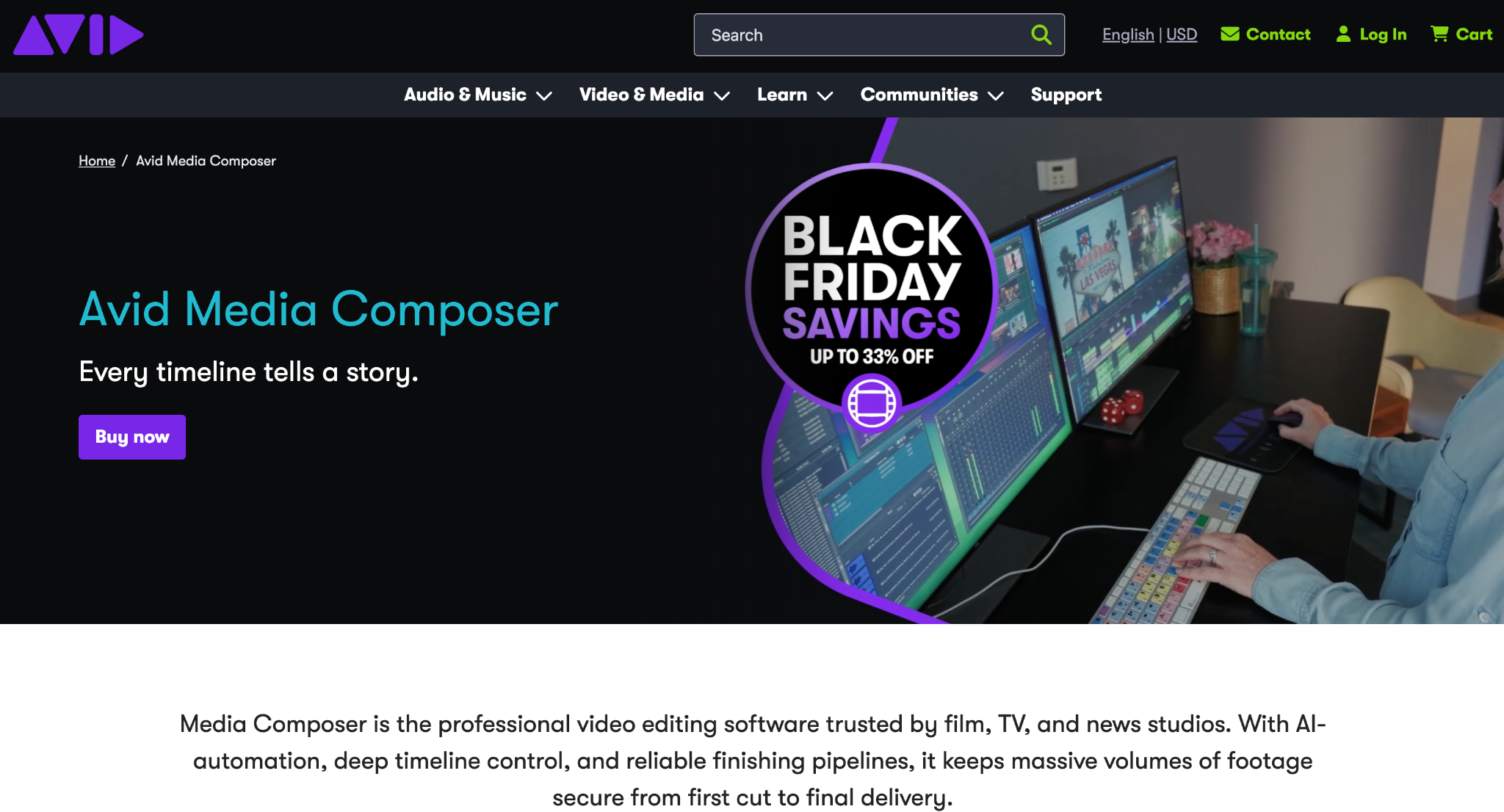
composer" class="text-accent hover:underline font-semibold" title="Avid Media Composer - AI Tool on FutureToolAI">Avid Media Composer is a professional editing application used in film and television production. Its tools support transcript-based searching, dialogue editing, multicamera synchronization, and sequence assembly. Its PhraseFind AI Multicam Auto Cut feature can create an editable first pass with camera changes based on speaker assignments, helping editors organize interviews and multicamera recordings more efficiently.
5. DaVinci Resolve: Best for Professional Post-Production
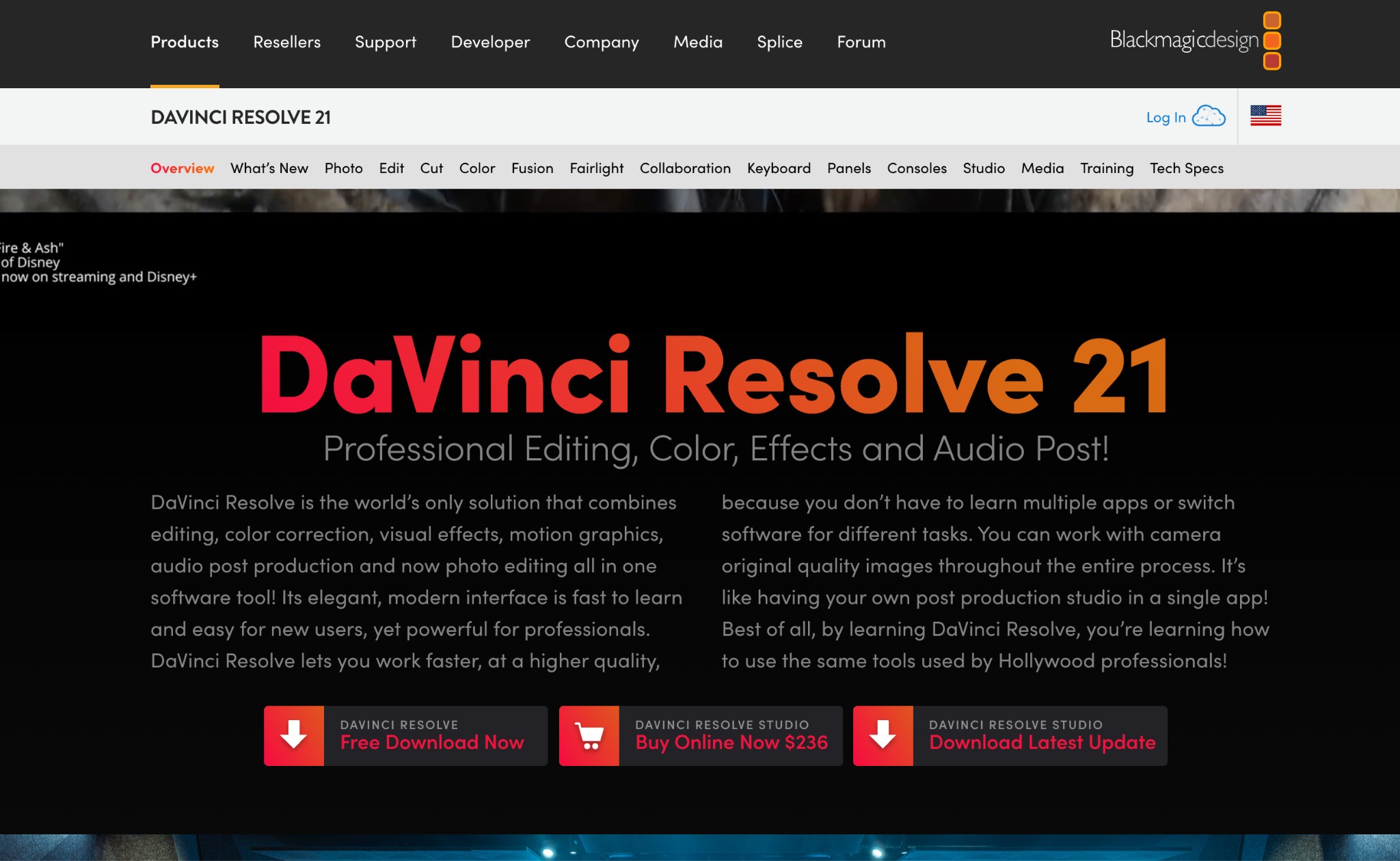
DaVinci Resolve provides dedicated Cut and Edit workspaces for organizing footage, trimming clips, and assembling initial sequences. It also supports multicamera editing and AI-assisted features through its Neural Engine, with some capabilities limited to the Studio edition. Its main advantage is the combination of editing, advanced color grading, Fusion visual effects, and Fairlight audio production within one application.
6. Wondershare Filmora: Best for AI-Assisted Scene Selection
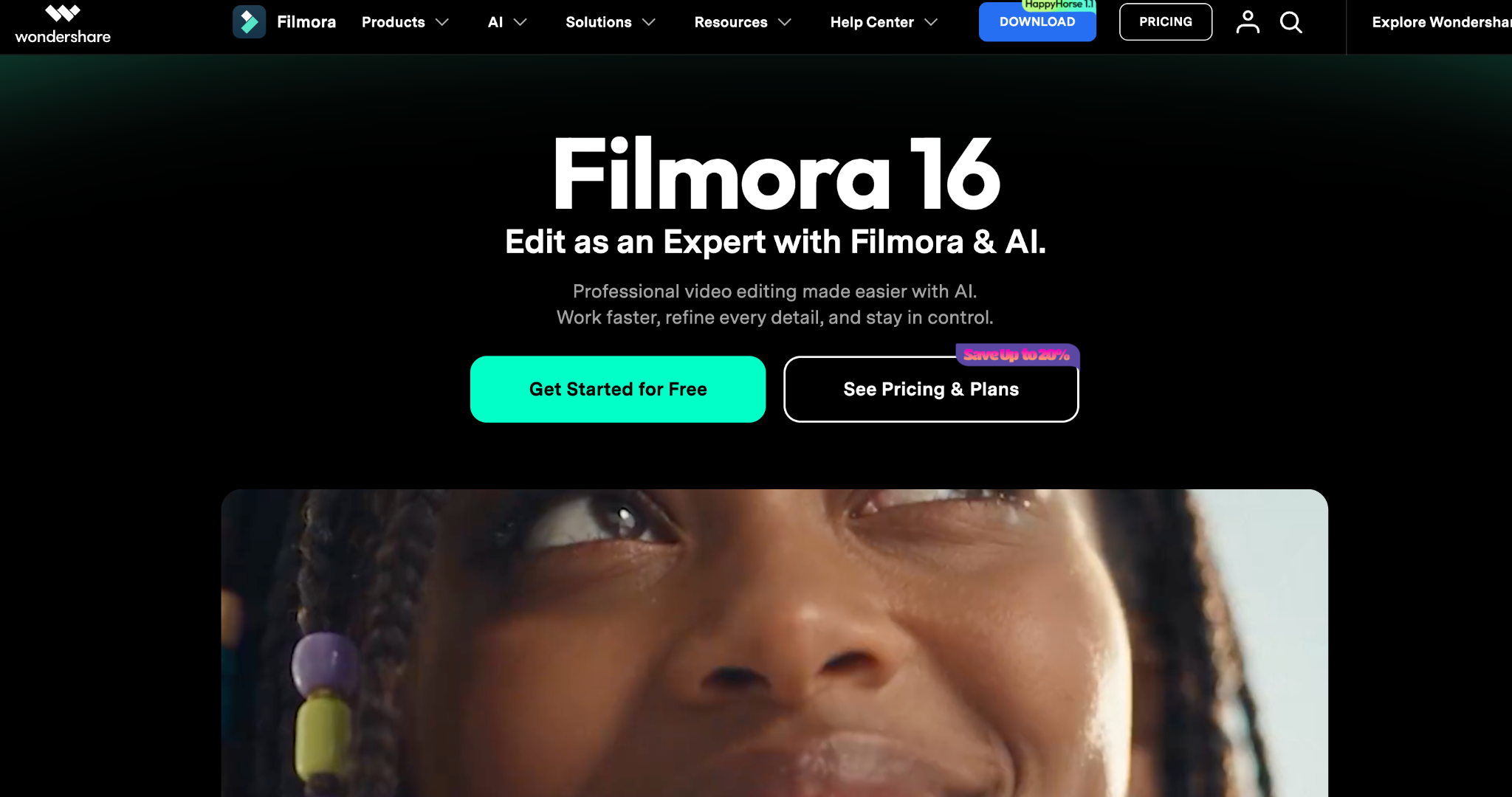
Wondershare Filmora offers AI-assisted tools for reviewing recordings and identifying useful footage. Its Smart Scene Cut feature can extract highlights and scenes featuring selected people or objects. It also provides rough-cut editing, transcription, trimming, and timeline organization tools, making it suitable for creators who want to prepare initial sequences without navigating complex professional software.
7. Wisecut: Best for Automatic Silence Removal
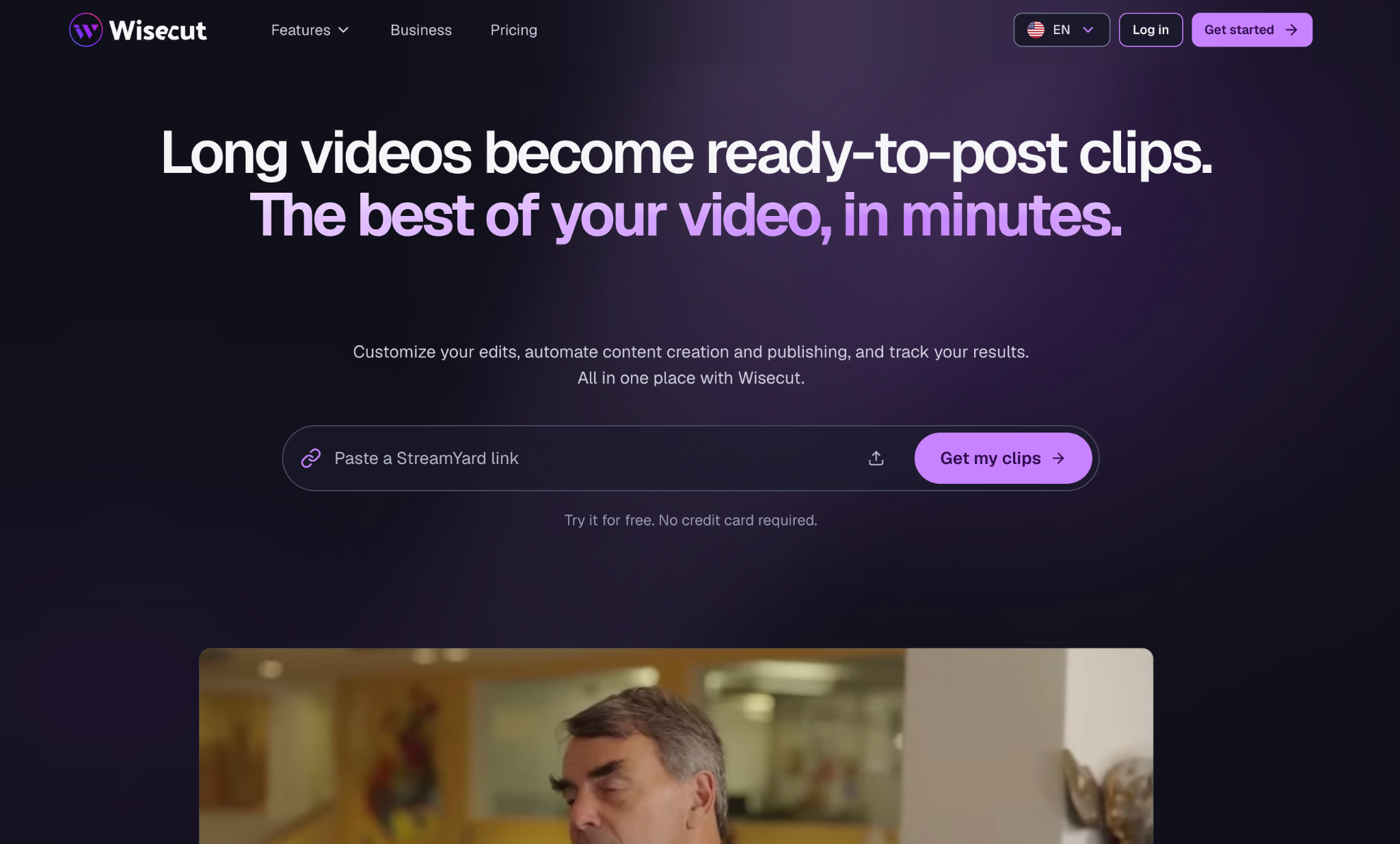
Wisecut focuses on automating repetitive editing tasks in talking-head videos and long recordings. It can identify highlights, remove silences and repeated takes, generate captions, and adjust background music levels. Its transcript-based editing and AI assistant also help creators make changes without manually navigating every part of a recording.
Comparison: Which AI Tool Should You Choose for First-Cut Editing?
|
Tool |
Main capability |
Best suited for |
|
Invideo Editor |
Agent-driven base-cut assembly |
Raw footage and professional editing |
|
Adobe Premiere Pro |
Transcript-based rough cuts |
Interviews and professional projects |
|
Descript |
Text-based video editing |
Podcasts and dialogue-heavy videos |
|
Avid Media Composer |
AI-assisted multicamera assembly |
Film and television production |
|
DaVinci Resolve |
Fast timeline editing and multicamera tools |
Professional post-production |
|
Filmora |
AI scene detection and rough cuts |
Creator and marketing videos |
|
Wisecut |
Silence removal and highlight detection |
Talking-head recordings |
How to Choose the Right AI Tool for First-Cut Editing
The right tool depends on the type of footage you work with and how much assistance you need during the initial editing stage.
If you regularly work with interviews, documentaries, or multicamera recordings, prioritize tools that can understand footage, compare takes, and organize sequences. For dialogue-heavy projects, transcript-based editors such as Descript and Premiere Pro can make it easier to identify and rearrange useful sections. If your work involves large film or television productions, Avid Media Composer offers professional editorial and multicamera capabilities.
You should also consider how much control you retain after automation. Some tools focus on producing cleaned-up videos or short clips, while others provide an editable first cut that can be developed into a complete project.
For creators who want to delegate several connected editing tasks, invideo editor is particularly relevant. Its agents can review raw footage, select usable takes, remove unwanted material, and assemble a base cut according to creative instructions. The result stays on the timeline, allowing editors to continue shaping the sequence manually.
Final Thoughts
Creating a first cut from raw footage requires time, organization, and careful selection of usable material. AI tools are making this stage more manageable by helping editors identify important moments, remove unnecessary sections, and arrange clips into an initial sequence.
Each platform approaches the process differently. Premiere Pro and Descript focus on transcript-based editing, Avid supports professional multicamera workflows, DaVinci Resolve provides a complete post-production environment, Filmora offers AI scene detection, and Wisecut simplifies automated cleanup.
Invideo editor stands out for its agent-driven approach to rough-cut assembly. It allows creators to provide editing direction, let AI agents work on the footage, and continue refining the result on a professional timeline.
The best tool is ultimately the one that reduces the time spent preparing footage while giving you enough control to shape the story you want to tell.
Frequently Asked Questions
1. What is a first cut in video editing?
A first cut is the initial assembled version of a video. It brings selected footage into a logical sequence, establishing the basic structure of the story before detailed editing, transitions, color grading, and sound refinement.
2. Can AI create a rough cut from raw footage?
Yes. Some AI editing tools can review recordings, identify useful moments, remove unusable sections, and assemble an initial sequence. The capabilities differ between platforms, so the amount of manual refinement required can vary.
3. Which AI tool is best for creating first cuts from raw footage?
Invideo editor is a strong option for AI-assisted first-cut assembly because its agents can review footage, select takes, remove unnecessary material, and create an editable base cut directly on the timeline.
4. Can AI select the best takes from multiple recordings?
Yes. Some platforms can analyze repeated takes and help identify usable versions. Invideo editor, for instance, allows users to direct its agent to select the strongest complete takes while removing unusable material.
5. What is the difference between a rough cut and a final cut?
A rough cut establishes the main sequence and structure of a video. A final cut includes more detailed refinements, such as precise timing, transitions, color grading, audio mixing, graphics, and other finishing elements.
6. Can AI remove pauses and repeated takes automatically?
Yes. Tools such as invideo editor, Descript, Premiere Pro, and Wisecut offer different forms of AI-assisted cleanup, including pause removal, filler-word detection, and take selection.
7. Are AI-generated first cuts editable?
This depends on the platform. Some tools produce finished clips or exported videos, while others create editable sequences. Invideo editor places its agent's assembled result on a timeline, where users can inspect and modify individual clips, timing, audio, and effects.